KINODE
Transcription for video, podcasts and meetings.
Kinode transcribes videos, podcasts, lectures and meetings. From the transcript it makes summaries, chapters, show notes, study material, public transcript pages, clip suggestions and brand-mention alerts, and it has a chat that answers from what was said. The products share one account, and transcripts and insights are also available through an API.
Running your own movies and shows? Kinode Media Server is free at kinode.tv, with remote streaming included.
| The Kinode platform | |
|---|---|
| Media Server | Available now |
| Transcripts | Available now |
| Show Notes | Available now |
| Study | Available now |
| Pages | Available now |
| Discord Support Bot | Available now |
| Meetings | Available now |
| Mentions Monitor | Available now |
| Available now | |
| Digest | Available now |
| Certify | Available now |
| Sentinel | Available now |
| Casefile | Available now |
| FFL Suite | Available now |
| Clips | Coming soon |
| API | Available now |
OUR MAIN PRODUCT
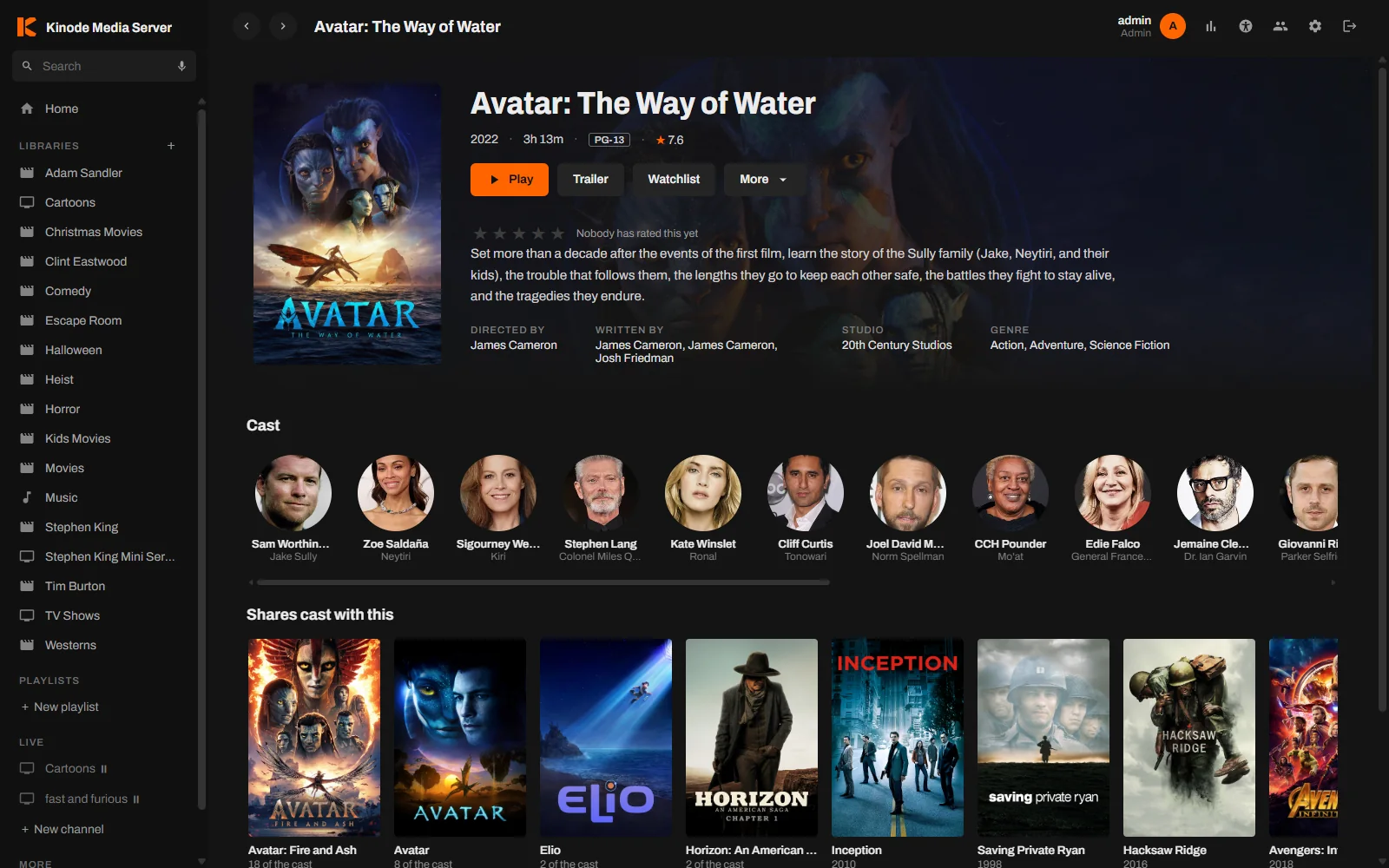
Kinode Media Server
Your own movies, shows and music on every screen, free.
A media server for Windows that streams the library you already own to phones, TVs and browsers, at home or away. Remote streaming, hardware transcoding, skip intro and library sharing are included, and there is no paid tier.
- Remote streaming included
- HTTPS without setup
- Hardware transcoding
- Skip intro and credits
- Apps for every screen
How Kinode transcription works
Seven sources
YouTube, Vimeo, TikTok, Twitch, Rumble, podcast feeds and direct uploads all go through the same transcription pipeline.
Captions or speech recognition
Kinode uses a video's captions when it has them. Uploads are transcribed from the audio, and so are YouTube videos without captions when you choose Transcribe the audio. AI cleanup adds punctuation and paragraphs.
REST API
Transcripts, summaries and other insights are available over REST with API keys, so you can use Kinode from n8n, Zapier, Make or your own code.
Monthly plans
Plans are billed monthly. Each video you transcribe is billed once, and summaries and other insights don't use up your monthly allowance.
Kinode Transcripts plans start at $9 a month.
You can cancel at any time. The other Kinode products use the same account.